Rename and organize your documents with AI
AI suggests a name and a folder. You approve every change.
For Windows and Android.
You decide every name before it changes
-
1
AI suggests
It reads each document and proposes a clear name and a folder.
-
2
You approve
Edit any name, untick what should stay as it is.
-
3
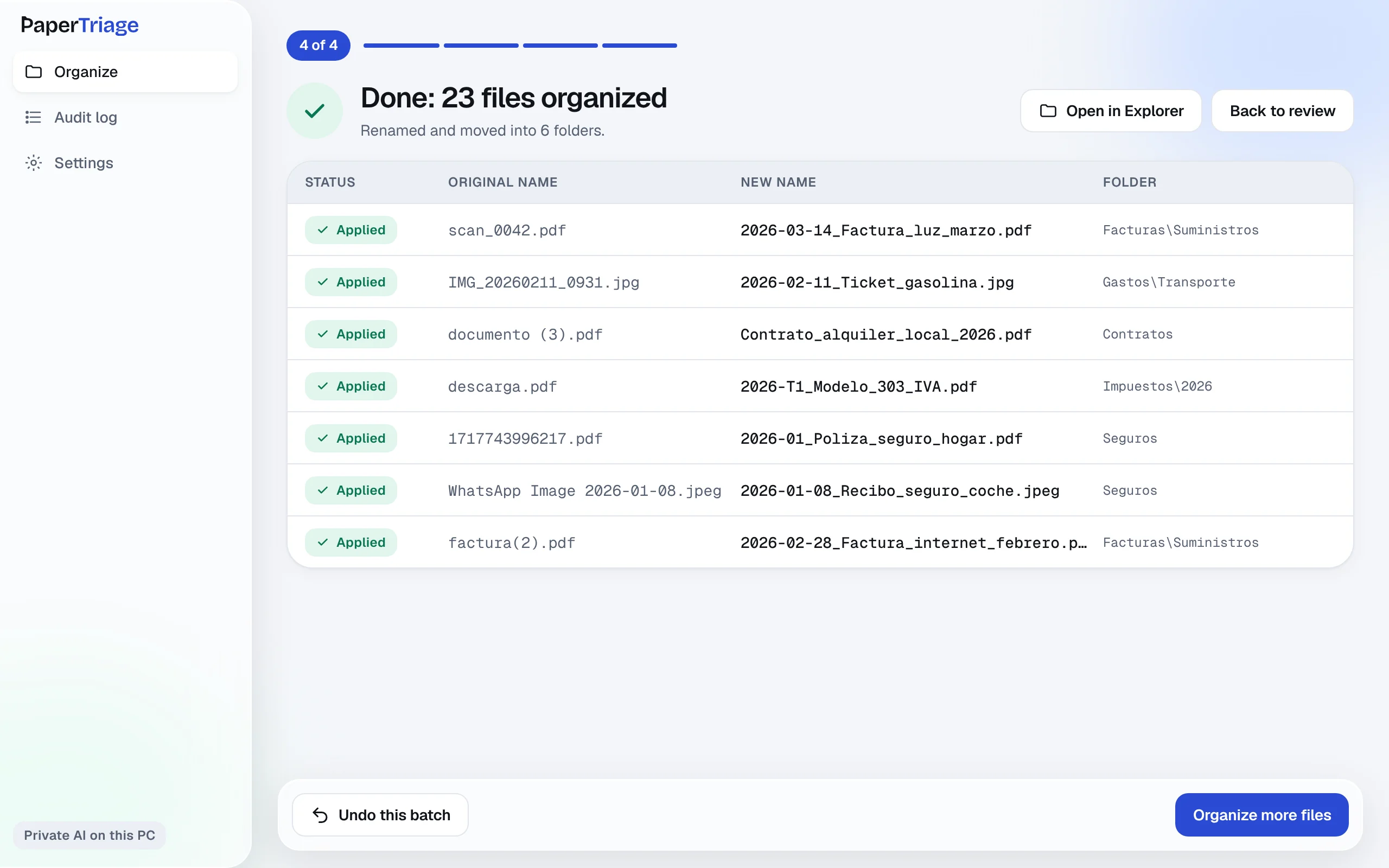
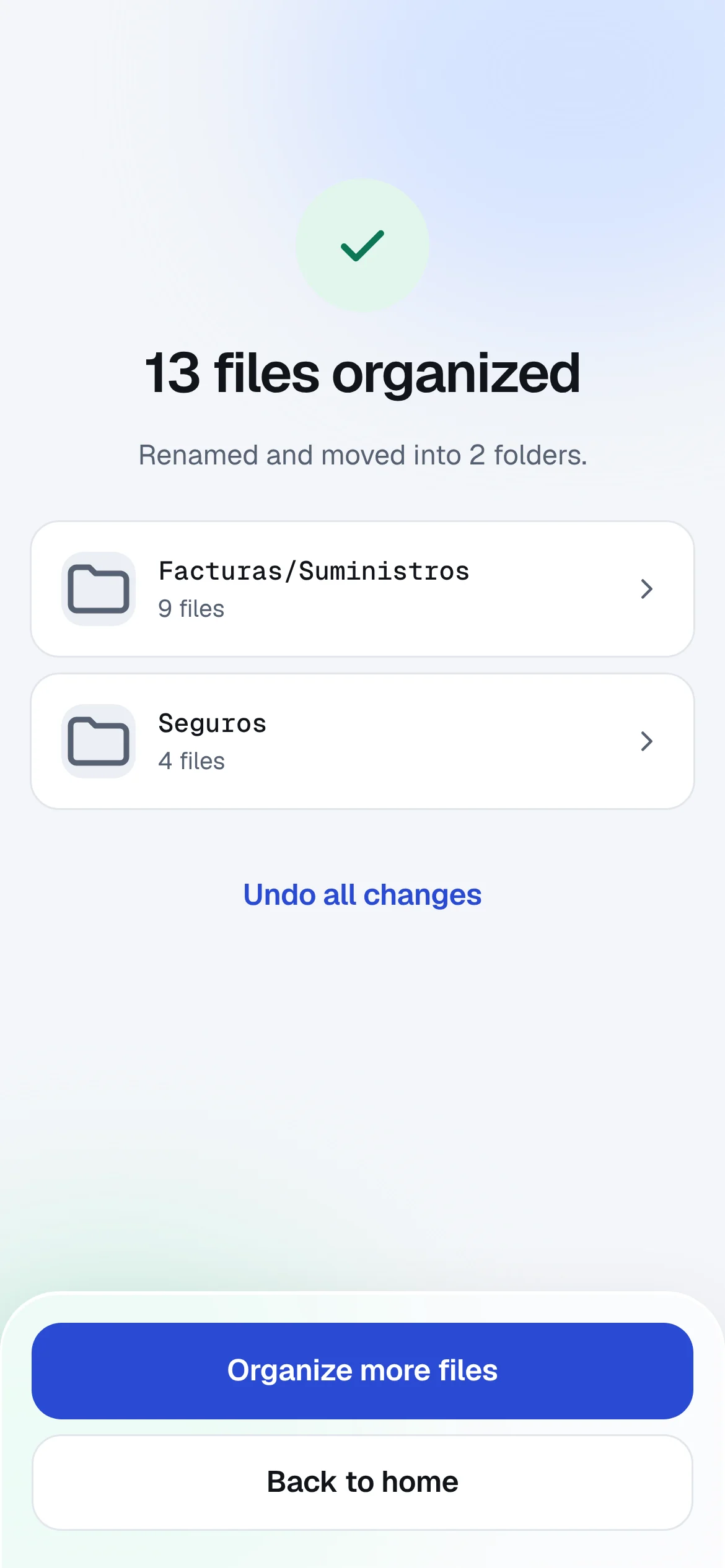
Apply, or undo
Changes happen when you press Apply, and every batch can go back.
A whole folder, reviewed on one screen
Rename and move
Name and folder in one step. Folders are created when needed.
Work in batches
Tick the files that go in and see how long it will take first.
Catch repeats
Repeated names and duplicate files are flagged before you apply.
Keep a log
Every batch is recorded with the original names.
Your documents stay on your device
With the private AI, the analysis runs on your computer or phone. You can check it yourself.
Where do your documents go?
PaperTriage, private mode: they stay on your device.
Cloud AI renamers: they are uploaded to the vendor's servers.
On your PC and on your phone
- Windows
- For big folders. Microsoft Store or direct installer.
- Android
- For what you download and photograph on your phone.
For your kind of paperwork
Start free
See all pricesPersonal
€79 / year
5,000 operations a year
1 computer
For freelancers and home paperwork.
Professional
Recommended€149 / year
50,000 operations a year
Up to 3 computers
For accountants and small offices with thousands of files.
Power
€299 / year
Unlimited operations
Up to 5 computers
For big archives and offices that sort every day.
First 250 operations free, with no time limit. Licences last a year and never renew on their own. Android: €1.99 one-time.
Questions
Do my documents leave my computer?
Not in private mode: the AI runs on your device. If you use your own AI key instead, the provider you chose (Claude, OpenAI or Gemini) analyses them.
Does it work offline?
Yes, once the AI model is downloaded. The download happens once, on Wi-Fi.
Can I undo a rename?
Yes. Every batch is kept in the audit log, and undo puts each file back with its original name and folder.
Which files can it read?
PDFs, photos and images of documents, and spreadsheets in CSV. [Scanned PDFs: pending confirmation.]
What do I need to run it?
[Memory and storage requirements, measured in the closed beta.] The private AI model needs about 2.6 GB of free space.
Rename your first folder today
Free to download. Nothing changes until you approve it.